Buying a smartphone for seniors
Why choose a specific smartphone for seniors?
The smartphone world is changing rapidly, but not everyone needs the latest model full of complicated features. For seniors, simplicity is often more important than technological gadgets. Smartphones for seniors are designed with ease of use, safety, and clarity as their starting point. They often feature large buttons, clear menus, and sometimes an emergency button, ensuring that technology remains accessible to everyone.
The goal of such a device is to support daily life without making it unnecessarily complicated. A comfortable grip, a clear screen, and an organized menu contribute to this. This turns using a smartphone into a pleasure instead of a source of frustration.
Important features of a senior smartphone
Not every senior is the same, but there are features that are almost always important when choosing a smartphone for seniors:
- Large buttons and clear icons: These ensure simple operation and prevent confusion.
- Simple menu and clear home screen: Only the most important functions are visible, for maximum clarity.
- Emergency button and SOS function: Direct contact with family or emergency services provides a sense of security.
- Easy-to-read screen: Adjustable font size and brightness are essential for optimal use, indoors and outdoors.
- Long battery life: So the phone doesn't need to be charged daily.
- Clearly audible sound: A loud ringtone and strong vibration function ensure that calls are not missed.
How to choose a user-friendly smartphone for seniors?
Choosing the right smartphone starts with determining needs and usage. Is just calling and texting sufficient, or are WhatsApp and photography also important? There are brands like Doro, Maxcom, and Artfone that focus on seniors with large buttons, SOS functions, and clear menus. Well-known brands like Samsung and Nokia also offer suitable models when configured with large icons and only the essential apps.
Take the time together to set up the smartphone. Remove unnecessary apps, enlarge the font size, and choose a simple access screen. This immediately builds confidence in the device for the user.
Affordable smartphones and useful accessories
A good smartphone doesn't have to be expensive. There are affordable options such as the Doro 8050 or the Nokia G-series, which are specially designed for seniors. Don't forget to compare the different subscription options. Sometimes a prepaid option is more economical, especially for sporadic use. Older models of popular brands are also suitable when configured with a simple launcher.
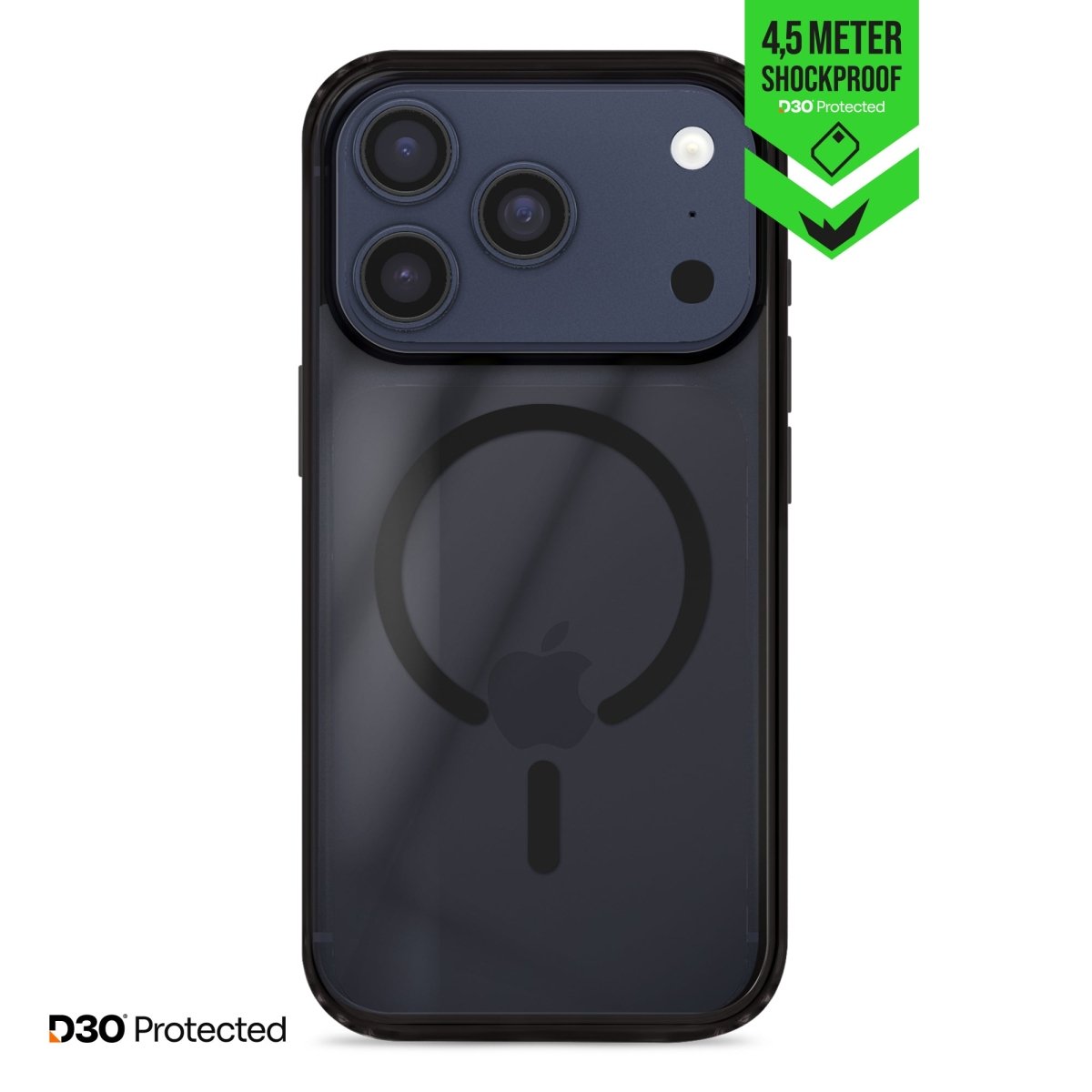
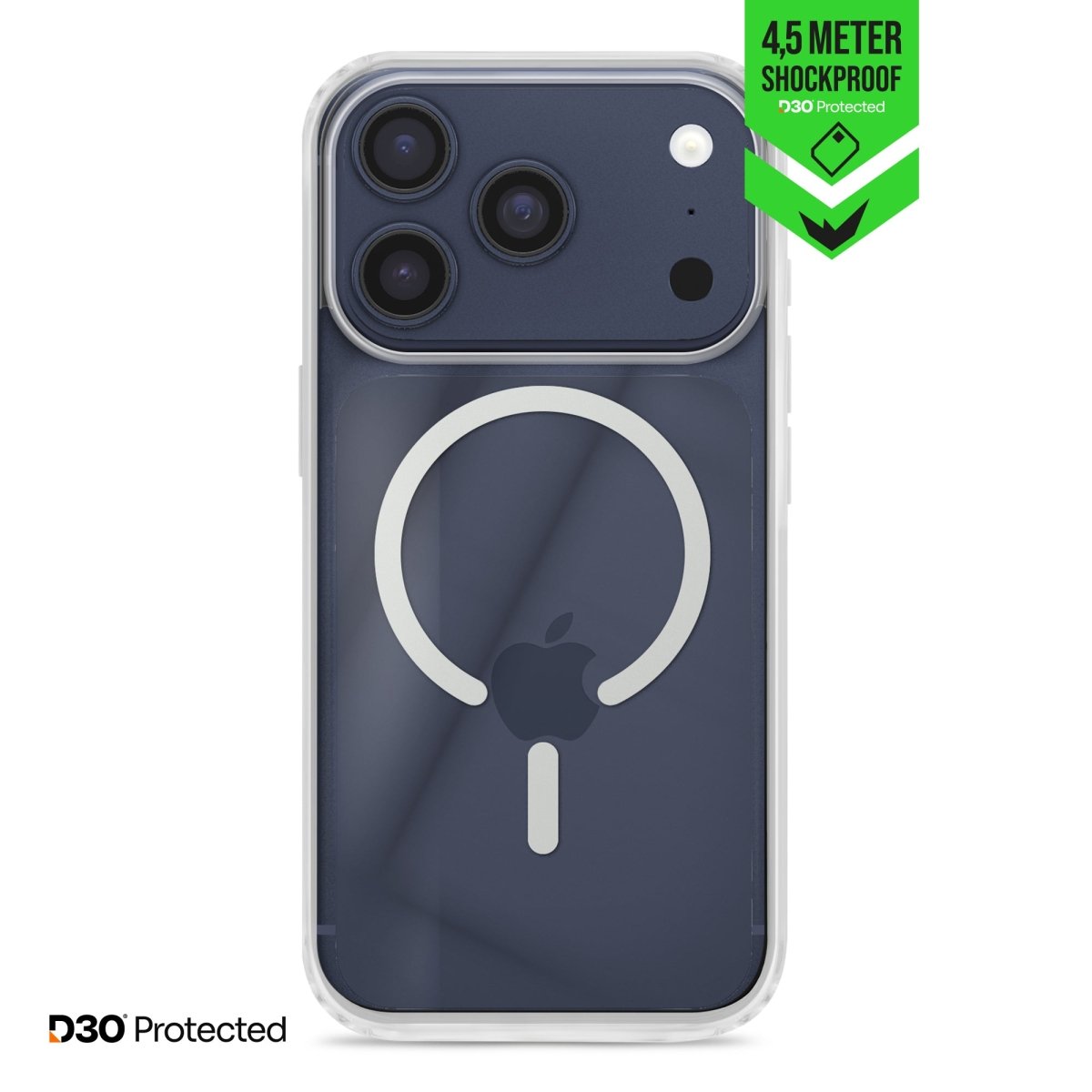
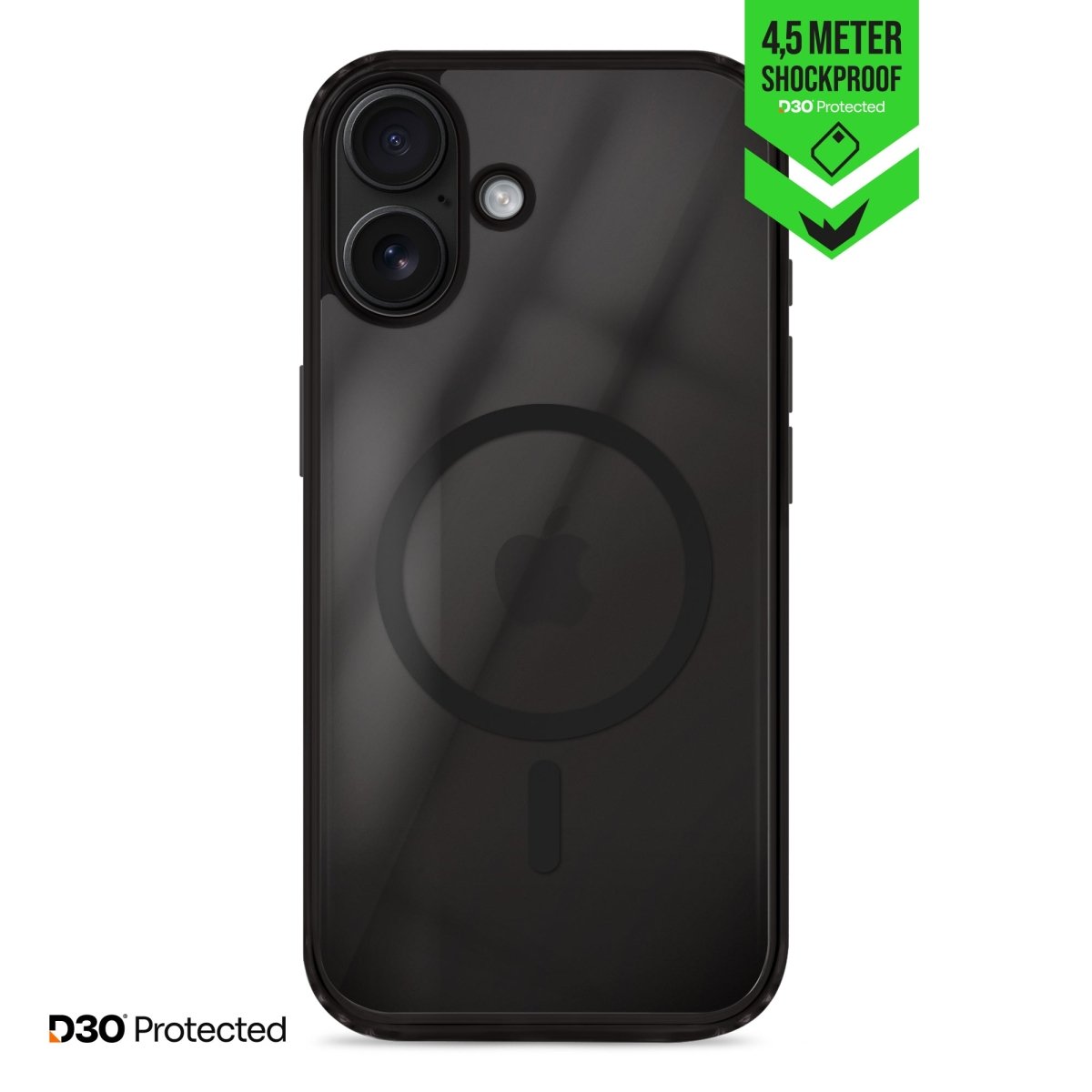
With accessories such as a sturdy case, screen protector, magnetic charging cable, or wireless charger, use becomes even more pleasant. A phone holder or an extra loud ringtone can further facilitate daily use.
Safe and confident use of technology
Technological anxiety is a recognizable obstacle for many seniors. Practicing together and patient explanations help lower this barrier. Courses for seniors, both online and at libraries, offer additional support. Safety is important: set a strong password, only install apps from official app stores, and be alert to suspicious messages. Setting up an emergency contact and automatic updates increases the safety and trust in the device.
Conclusion: a custom smartphone for seniors
The best smartphone for seniors fits their daily life and wishes. Whether it's a special senior smartphone or a regular phone that you configure simply, the most important thing is that the user feels comfortable and safe. With the right settings, accessories, and a little patience, technology becomes a source of convenience and connection for everyone.